
How to Use the FreeTextDetector AI Checker on Your Own Draft
A step-by-step way to run the FreeTextDetector AI Checker on your writing, read the signals it lists, and revise the passages that make a draft read flat.
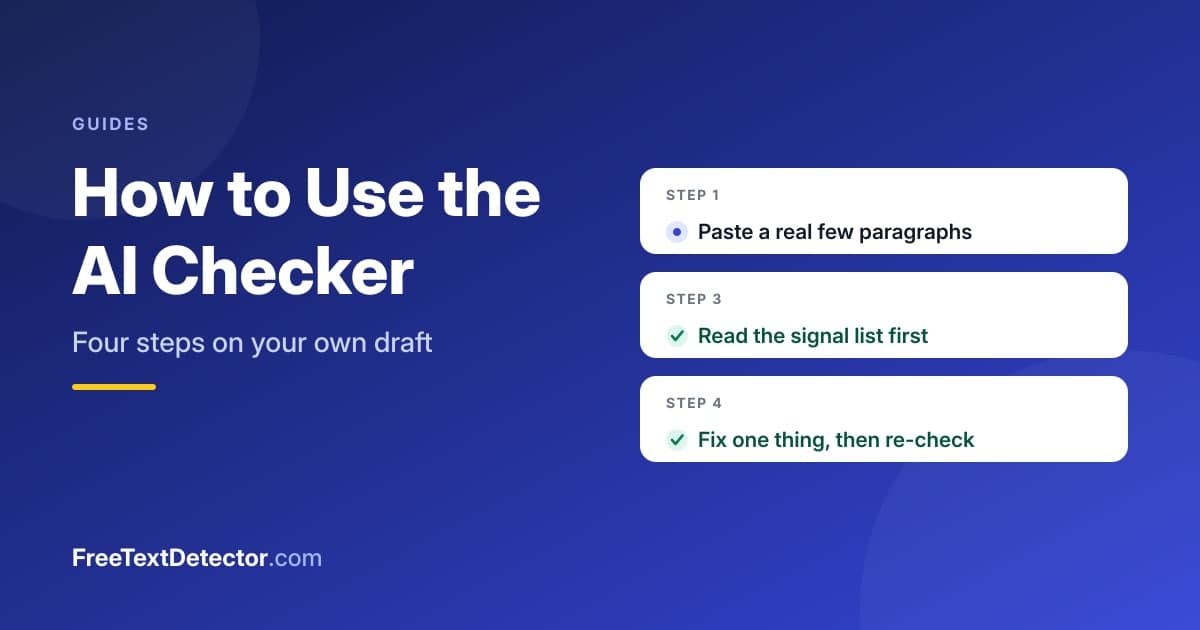
Check a real draft, not a test sentence. That single choice does more for a useful reading than anything else in this guide.
The FreeTextDetector AI Checker is the pattern check built into this site: you paste a few paragraphs, press Check Writing Patterns, and it returns a human-like score with a list of the signals that produced it. You then revise the passages the list names, because the list tells you more than the number does. It estimates writing habits, not authorship.
Four steps through the checker
Open the AI Text Detector page and work in order.
- Paste two or three paragraphs of your actual draft. Up to 5,000 characters fits, and a longer paste gives the steadier reading.
- Press Check Writing Patterns. The score and the signal list appear together.
- Read the signal list before the number. Each line names what pushed the estimate, from low sentence variety to a stock phrase repeated too often.
- Fix the two or three passages the list flags, then check the same text again to see whether the reading moved.
Those four steps are the whole tool. What separates a useful run from a pointless one is how you handle step three.
Turning each signal into an edit
Every signal maps to a concrete change you make by hand. The table pairs what the checker reports with the edit that answers it.
| What the list reports | The edit that answers it |
|---|---|
| Sentences hold one length | Split one long sentence; merge two short ones |
| A stock phrase recurs | Cut the phrase and state the idea plainly |
| No contractions appear | Use them where the register allows |
| Consecutive sentences open alike | Rewrite the opener of one |
| Word spread is narrow | Swap a mid-frequency word for a plainer one |
Make one edit at a time and re-check, because five edits at once tell you nothing about which one moved the reading. Our deeper page on what the checker measures explains the weights behind each signal.
What a good and a bad reading both mean
A high human-like score does not prove you wrote the text, and a low one does not prove you did not. The checker counts surface habits, and a careful human editor can raise or lower them on purpose. So treat the number as a summary of the list rather than a verdict you have to accept.
The failure mode to watch for is reading a single short paste as though it settled a question. Sentence-length variety and repeated openers barely exist inside one sentence, so a short input returns an unstable figure that tracks its own length more than its style. The general method for judging a draft without leaning on one score is in our guide to how to detect AI-generated text.
Two habits that make the checker pay off
First, check your own writing rather than hunting for a number to clear. The tool earns its keep when it points at a flat paragraph you can rewrite, and that use carries into any draft you revise after it, including the ones covered in our guide to humanizing AI content.
Second, pair it with a measure of clarity instead of trusting one signal alone. The readability checker reports sentence-length variance and reading grade on the same text, so a revision that lifts variety usually shows up in both tools at once.
Frequently asked questions
How much text should I paste?
Two or three paragraphs, at least a hundred words. Signals such as sentence variety need several sentences before they measure anything, so a one-line input gives an unstable reading.
Does the checker save my text?
No. The check runs on our server and the result returns without storing the text, and there is no account to log into.
Can I use it on an essay or a report?
Yes, within the 5,000-character limit. Split a longer document into sections and check each one, which also gives a steadier reading per section than one oversized paste would.
Why did my score change after one small edit?
Some signals are density-based, so a single stock phrase in a short passage weighs heavily. Editing one sentence can shift the number even when the draft barely changed.
Is a high score something to aim for?
No number is the goal. The point of the checker is the signal list, and a draft you revised because the list named a weak passage is worth more than a draft tuned to a figure.
Getting started
Paste one real paragraph you are unsure about, press Check Writing Patterns, and act on only the top signal in the list. That single loop, check then fix one thing, is faster to learn than any explanation, and it shows you what the estimate can and cannot tell you about your own writing.